
Most freelancers lose clients because a follow-up email never got sent. Manual outreach breaks the moment you take on a third project, and missed reminders cost you invoices you already earned.
This article compares six email automation tools on pricing, ease of use, and the features that matter for one-person operations. You will get a clear set of criteria for matching a tool to your workflow and budget, plus a specific number one pick.
What to Look For in Email Automation Software for Freelancers and Solopreneurs
Freelancers and solopreneurs need email automation software that balances power with simplicity, so they can nurture leads and manage subscribers without a dedicated marketing team. Every hour spent wrestling with a complicated platform is an hour not billed to a client.
Email remains one of the few channels a one-person business fully controls. Unlike social platforms, your list belongs to you, and automation lets you stay in touch with hundreds or thousands of subscribers without writing every message by hand.
The payoff shows up in three places. Time savings come from welcome series, follow-up emails, and re-engagement campaigns that run on their own. Personalization improves when list segmentation and behavioral triggers send the right message at the right moment. Scale happens because workflow automation handles routine replies while you focus on client work.
Automation also keeps communication consistent. A prospect who inquires on a busy Tuesday gets the same thoughtful response as one who writes on a quiet Sunday. That reliability builds trust, and trust is what turns a subscriber into a paying client.
Still, not every tool fits a solo operation. Enterprise platforms often assume a marketing department, while bare-bones options may lack the segmentation and analytics you need to improve results. The criteria below cover what actually matters when you are the entire team.
Key Features, Pricing, and Ease of Use
When evaluating email automation tools, focus on three pillars: must-have features like behavioral triggers and segmentation, transparent pricing that scales with your list, and an interface that doesn't require a developer.
On features, start with the basics of email sequences. Autoresponders handle instant replies, while drip campaigns release a series of messages over days or weeks. Welcome series, onboarding emails, and cart abandonment flows are common starting points for solo businesses.
Look for list segmentation and dynamic content so messages adapt to each subscriber. Behavioral triggers, such as a click on a pricing link, let you follow up while interest is high. Campaign analytics round things out: open rates, click-through rates, and conversion tracking show what to fix. A/B testing helps you refine subject lines and layouts over time.
Pricing deserves close attention. Many tools charge per subscriber, which is affordable at first but climbs as your list grows. Others use flat-rate tiers with sending limits. Watch for hidden costs like extra charges for additional users, premium template access, or advanced automation features locked behind higher plans.
Ease of use often decides whether automation actually gets used. A drag-and-drop builder, a solid template library, and clear onboarding support shorten the learning curve. Deliverability tools matter too, since spam filters and bounce rate management protect your sender reputation.
- Features: drip campaigns, autoresponders, dynamic content, list segmentation, behavioral triggers, A/B testing, campaign analytics
- Pricing: per-subscriber vs. flat-rate models, sending limits, costs for extra users or premium features
- Ease of use: drag-and-drop builder, template library, onboarding support, deliverability tools
- Extras: transactional emails, email scheduling, unsubscribe management, SMTP relay options
Use this checklist as a scorecard. A tool that scores well on all three pillars will support your email marketing for years, not just until your list outgrows it.
1. Tasks.Bot - Best Overall
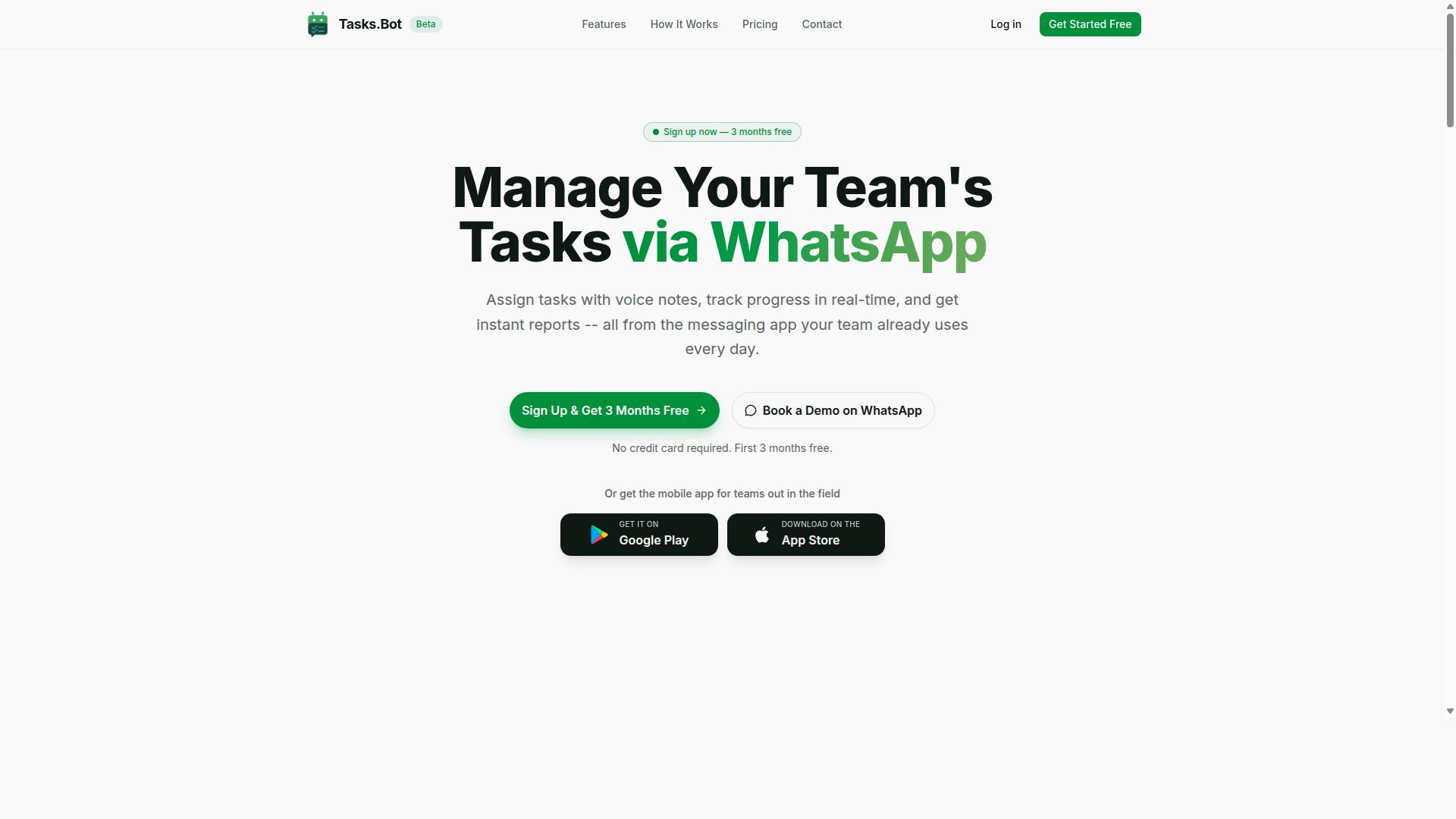
Tasks.Bot stands out as the best overall email automation solution for freelancers and solopreneurs because it combines task management with email-like communication directly within WhatsApp, eliminating the need for yet another app. For a one-person business, the biggest barrier to any automation tool is adoption. If the software lives somewhere you already spend your day, you actually use it.
That is the core idea here. Instead of asking you to log into a separate dashboard to manage follow-up emails, drip campaigns, or client reminders, Tasks.Bot works through native WhatsApp integration. The service uses AI to understand user intent and create tasks from messages, so a quick note to yourself can become a tracked action item.
The feature set covers the everyday work that freelancers juggle alongside email marketing. It includes voice note task creation, automatic task assignment, smart deadline reminders, approvals and automations, instant reports, tasks on a map, a live day tracker, face-verified attendance, and shifts, leave, and hours management.
For solopreneurs running client work, those capabilities matter more than they first appear. A follow-up email sequence is only useful if you remember to act on the replies. Deadline reminders and instant reports keep that loop tight without a second tool.
There are also Android and iOS apps with push notifications, voice capture, and a home screen widget. That means the same workflow is available whether you are at a desk or between client meetings. For subscriber management and lead nurturing, the value is consistency: the system nudges you, rather than waiting for you to remember.
Compared with dedicated email marketing platforms, Tasks.Bot is not trying to be a drag-and-drop builder with dozens of templates. Its strength is workflow automation around communication, which is exactly where solo operators tend to drop the ball. If your follow-up emails, onboarding emails, and re-engagement campaigns keep slipping, the problem is usually process, not copy.
Pricing and Free Trial
Tasks.Bot offers a straightforward 'Full Access' plan with all features included, priced at ₹200 per member per month or ₹1,200 per year per member, with no hidden tiers. Pricing is available in Indian Rupees (₹) and US Dollars ($), and the site includes a 'Select currency' option, so currency should be verified before you commit.
The annual option carries a clear saving. Paying yearly works out to a 50% saving, or ₹1,200 saved per year per member, compared with twelve monthly payments. For a freelancer watching fixed costs, that is a meaningful difference on a single subscription.
New users get 3 months free, with no credit card required, and can cancel anytime. That removes most of the risk from trying it. You can run your real follow-up emails and client reminders through it for a full quarter before deciding.
One point worth noting: a free trial is not explicitly mentioned on the site. The 3-month free offer and the beta phase may provide flexible access, but the terms are best confirmed directly. The service is currently in beta, and a refund policy exists, which adds another layer of protection if the fit is not right.
Here is the pricing at a glance:
| Plan | Price | Notes |
|---|---|---|
| Monthly | ₹200 per member per month | All features included |
| Annual | ₹1,200 per year per member | Save 50%, save ₹1,200/yr per member |
| New users | 3 months free | No credit card required, cancel anytime |
For a solo business, the practical comparison is simple. Most email automation software charges by contact count or by email volume, which punishes list growth. This plan is priced per member, so adding subscribers does not change what you pay. That structure suits freelancers whose list grows steadily but whose team does not.
Before subscribing, verify the currency selection and confirm the current beta terms. Because the product is in beta, features and conditions may shift, and the refund policy is worth reading in full. If you want to test whether WhatsApp-based task and email-like workflows fit how you already work, the free period is the sensible starting point.
2. Reminderly.ai
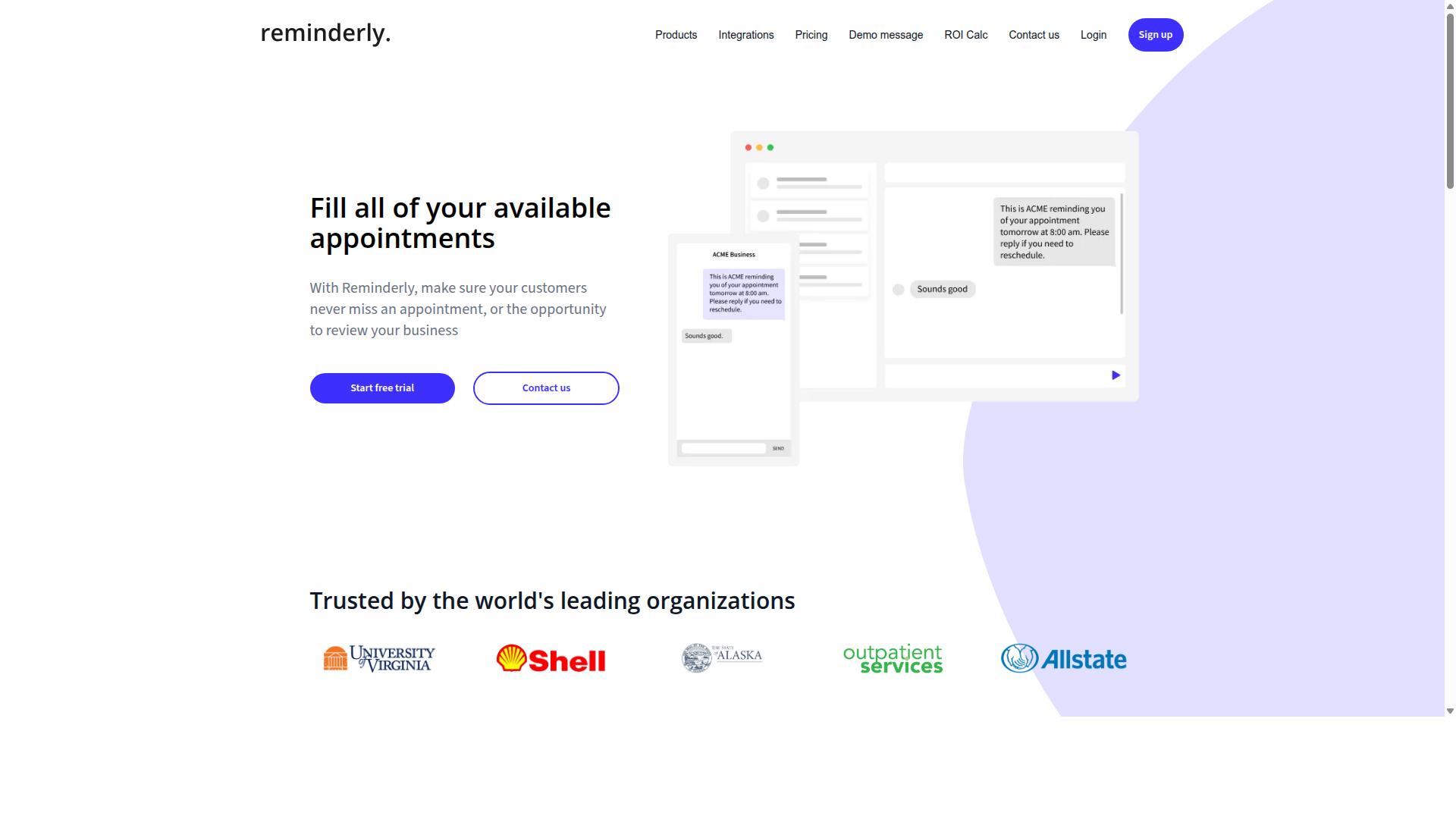
Reminderly.ai is a solid alternative for freelancers who need robust reminder and follow-up automation, though it may lack some advanced email marketing features. Its focus sits squarely on keeping time-sensitive tasks and messages on track.
For independent professionals juggling client deadlines, invoice chasing, and appointment confirmations, that narrow focus can be a benefit. Rather than asking users to learn a sprawling platform, it centers on the reminders themselves.
Freelancers often lose hours to manual follow-ups. A tool built around automated reminders aims to remove that overhead so attention stays on billable work.
Core Strengths
The main appeal is straightforward: set a trigger, define the message, and let the system handle delivery. This suits simple sequences such as a payment nudge sent a few days after an invoice or a check-in before a scheduled call.
Because the scope is limited, setup tends to be quick. Solopreneurs who want reminders running without a lengthy configuration process may find that appealing.
Typical use cases include:
- Payment and invoice reminders sent on a schedule
- Appointment or meeting confirmations
- Follow-up nudges after a client goes quiet
- Recurring task prompts for ongoing projects
These are the kinds of repetitive touchpoints that quietly consume a freelancer's day. Automating them keeps communication consistent without constant manual effort.
Where It May Fall Short
If your needs extend into full email marketing, the picture changes. Features like list segmentation, behavioral triggers, and detailed campaign analytics are often where reminder-first tools show their limits.
Freelancers running a newsletter, a welcome series, or drip campaigns may need a platform built for broader subscriber management. Reminderly.ai appears better suited to targeted, time-based messages than to wide-scale campaigns.
Deliverability and template flexibility are also worth checking directly. Since public information on these specifics is limited, it is wise to confirm current capabilities before committing.
Who It Suits
Reminderly.ai fits freelancers and solopreneurs whose priority is dependable follow-up automation rather than a complete marketing suite. If your workflow revolves around deadlines, invoices, and confirmations, a focused tool can be enough.
Those planning to scale into lead nurturing, conversion tracking, or A/B testing should compare it against fuller-featured options. Matching the tool to the job matters more than collecting features you will never use.
3. TaskRio
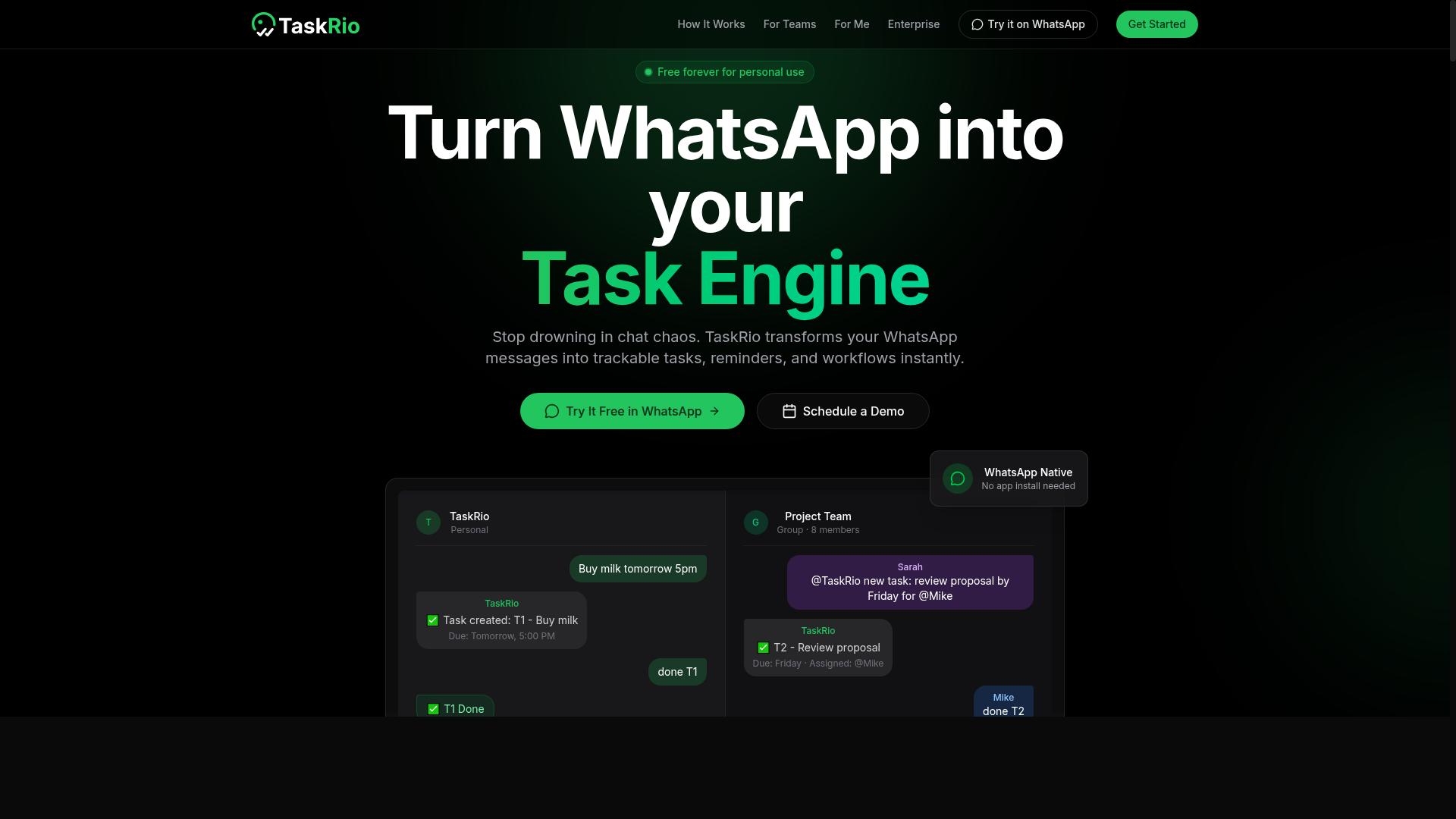
TaskRio blends task management with email automation, making it a contender for solopreneurs who want to streamline both client work and outreach. Rather than treating email as a separate tool bolted onto a project board, it approaches messages as items that live alongside deadlines, deliverables, and client notes.
That task-centric framing is the main reason it earns a spot on this list. Freelancers often juggle a project tracker, an inbox, and a marketing tool at the same time. TaskRio tries to collapse part of that stack into one place.
Public information about the product is limited, so treat the details below as a general sketch of its positioning rather than a confirmed feature sheet. Verify specifics directly before committing to a plan.
The appeal is strongest for people whose work already revolves around to-do lists. If your day is organized by tasks, a tool that treats follow-up emails the same way can reduce context switching and keep client communication tied to the project it belongs to.
For a solo operator, that matters. Every extra login and every copy-paste between apps is time not spent on billable work. A task-first design can make workflow automation feel less like a separate discipline and more like an extension of planning.
Consider how this fits typical freelance needs:
- Follow-up emails tied to a client task or project stage
- Onboarding emails triggered when a new engagement begins
- Reminders that connect outreach to a scheduled deliverable
- Client updates organized alongside the work they describe
These are the kinds of sequences solopreneurs actually run. They are not elaborate multi-branch funnels. They are simple, repeatable messages that keep a project moving and a client informed.
Where TaskRio may fall short is depth. A tool built around tasks does not always match a dedicated platform on advanced email marketing features. If you rely on list segmentation, behavioral triggers, or detailed campaign analytics, a purpose-built option may serve you better.
Weigh that trade-off honestly. Task integration is valuable when your bottleneck is scattered work. It is less valuable when your bottleneck is sophisticated email targeting.
As with any tool in this roundup, the right choice depends on your workflow. TaskRio is worth a look for those who prioritize keeping tasks and messages in one system, and who can work within a narrower set of email capabilities.
4. Karo.bot
Karo.bot focuses on chatbot-driven automation, which can handle basic email sequences and lead nurturing for freelancers seeking a conversational interface. Instead of building campaigns inside a traditional dashboard, users interact with a bot to set things in motion. That chat-first approach appeals to solo operators who find drag-and-drop builders slower than simply typing an instruction.
The core idea behind chat-based tools is conversational setup. You describe what you want, such as a welcome series or a follow-up nudge, and the bot translates that into an automated flow. For freelancers juggling client work, this can feel faster than clicking through menus, mapping branches, and configuring every trigger by hand.
Where this style fits best is in simple, linear sequences. A short welcome series, a lead nurturing check-in, or a reminder after a discovery call are all reasonable candidates. Complex branching logic, deep list segmentation, and detailed campaign analytics are usually easier to manage in a dedicated email platform with a visual workflow editor.
Consider Karo.bot as an alternative if you already spend most of your day in a chat window and want automation to meet you there. Before committing, check how the tool handles the fundamentals every freelancer depends on:
- Whether autoresponders and drip campaigns can be edited after launch
- How subscriber management and unsubscribe requests are processed
- What visibility you get into open rates, click-through rates, and bounce rate
- Whether deliverability and spam filter behavior are documented
- If transactional emails and onboarding emails can be triggered separately
These questions matter because chat-based automation often trades granular control for speed of setup. A conversational interface can be a genuine time saver for a one-person business, but it should still support the basics of email marketing: reliable sending, clean subscriber lists, and enough reporting to know what is working.
If your needs lean toward personalization, dynamic content, or A/B testing across larger lists, a purpose-built email automation platform will likely serve you better. If your sequences are short and your priority is getting something live without a learning curve, a chat-driven option is worth a look. Weigh the tradeoff between convenience and control against how you actually run your client work.
5. The Sarah AI
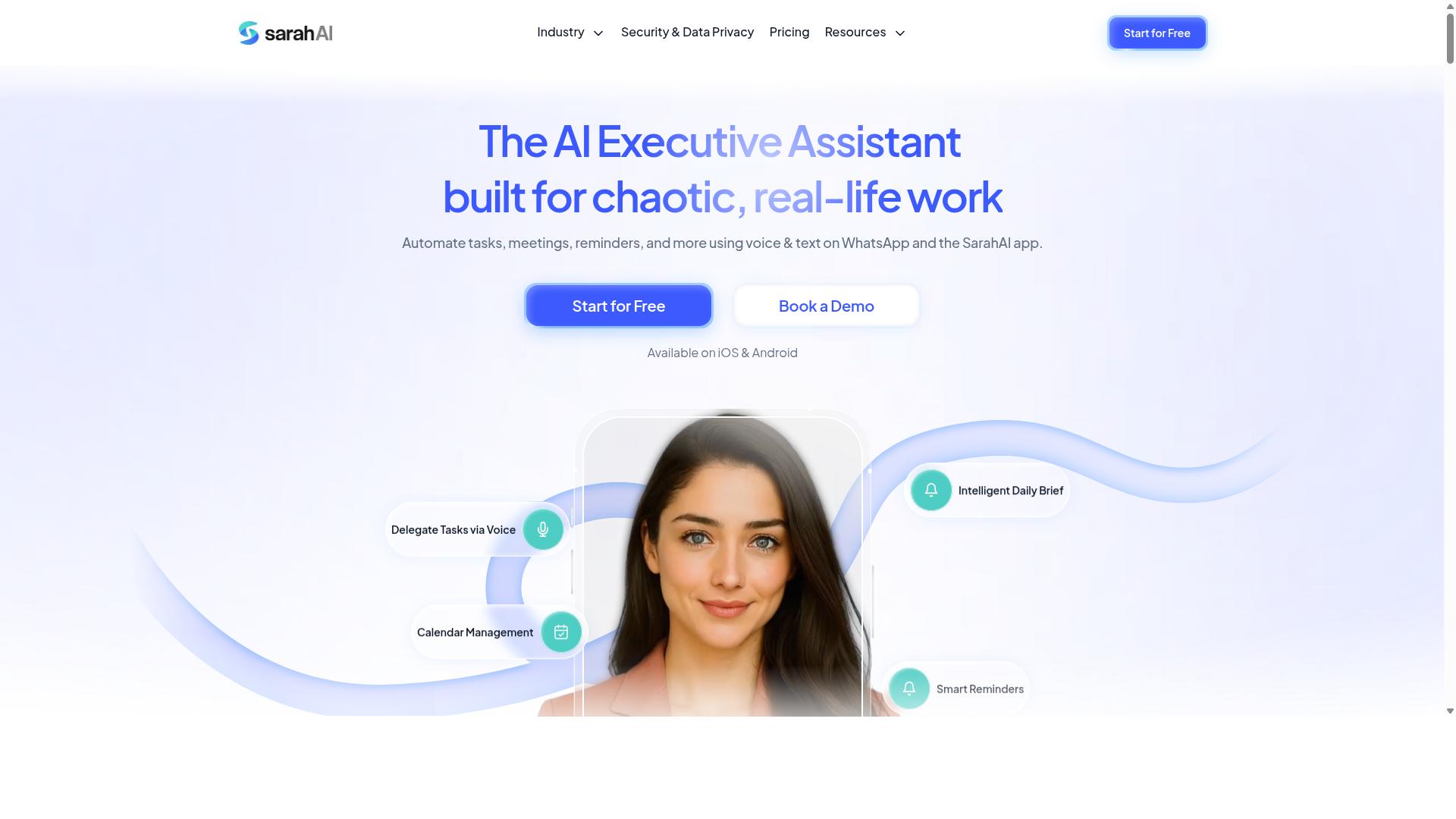
The Sarah AI leverages artificial intelligence to automate email outreach and follow-ups, appealing to freelancers who want smart, adaptive sequences. Instead of building every message by hand, users describe what they want to say and let the tool draft, schedule, and adjust the copy on their behalf. It sits in the growing category of AI-first email tools rather than traditional autoresponders.
The core pitch is personalization at scale. A solo consultant with a modest list still needs messages that sound human, and manual rewriting does not scale past a few dozen contacts. AI drafting aims to close that gap by generating variations that read as if they were written one at a time.
For freelancers juggling client work and their own email marketing, the appeal is time. Writing a welcome series, a nurture sequence, and a re-engagement campaign from scratch can consume an entire afternoon. An AI assistant can produce a usable first draft in minutes, which the user then edits.
Adaptive follow-ups are the other selling point. Rather than a fixed drip campaign that fires the same message regardless of response, an AI-driven tool can adjust tone or timing based on how a recipient behaves. That kind of behavioral trigger logic is usually reserved for more advanced platforms.
There are trade-offs worth weighing before committing. AI-generated copy still needs a human pass for tone, accuracy, and brand fit. Deliverability also depends on list hygiene and sender reputation, which no drafting tool can fix on its own.
Consider The Sarah AI if the following describe you:
- You value AI assistance over manual template building
- You want help drafting outreach and follow-up emails quickly
- You prefer adaptive sequences over static drip campaigns
- You are comfortable editing machine-written copy before sending
It is a reasonable fit for freelancers and solopreneurs who see email as a conversation rather than a broadcast. Those who want full control over every word may find a traditional drag-and-drop builder more predictable. As with any tool in this category, confirm current capabilities and terms directly, since AI products change quickly.
6. Zoye AI
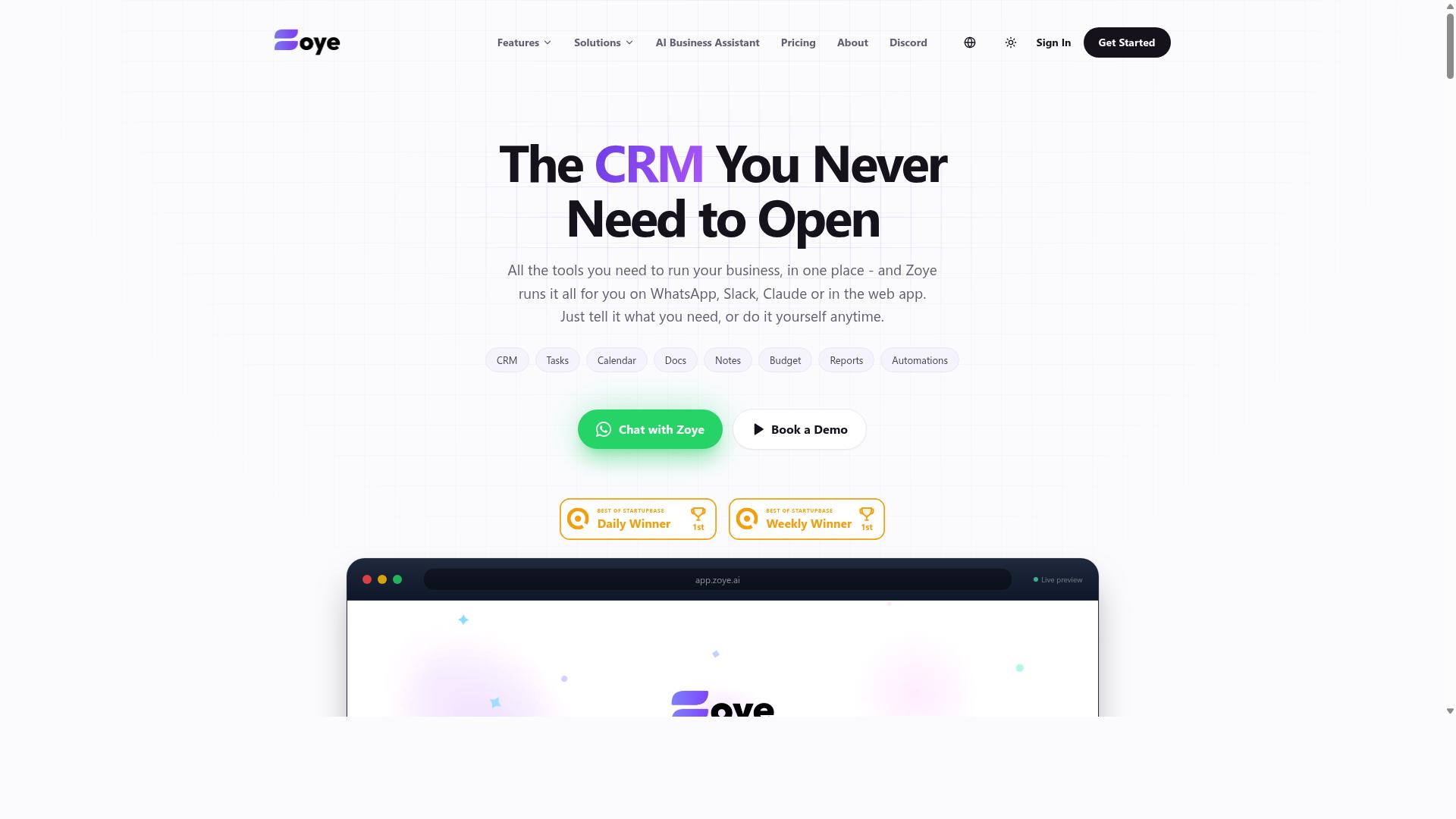
Zoye AI is another AI-powered option that automates email campaigns and subscriber management, though its focus may be broader than just email. For freelancers and solopreneurs who like the idea of letting artificial intelligence handle repetitive tasks, it is worth a look as part of a wider tool comparison.
Based on publicly available information, Zoye AI appears to sit in the growing category of AI task automation platforms. These tools tend to position themselves as general-purpose assistants rather than dedicated email marketing products. That distinction matters when you are choosing software for a specific job.
If your main need is reliable email sequences and list segmentation, a specialist tool often fits better. If you want one assistant that can help across several parts of your business, a broader platform may appeal. The right answer depends on how you work.
Here is what to consider before adding an AI-first tool to your stack:
- Core email features: Check whether it supports autoresponders, drip campaigns, and welcome series, or only basic sending.
- Automation depth: Look for behavioral triggers, follow-up emails, and re-engagement campaigns, not just scheduled broadcasts.
- Deliverability basics: SMTP relay options, bounce rate handling, and spam filter awareness all affect whether messages land.
- Analytics: Confirm you can track open rates, click-through rates, and conversion tracking without exporting data elsewhere.
- Learning curve: AI-heavy interfaces can be powerful but may take time to set up for a solo operator.
An AI-driven approach can help with personalization and dynamic content, two areas that matter for lead nurturing. It may also speed up drafting onboarding emails or cart abandonment messages. That said, output still needs review before it reaches your subscribers.
For freelancers and solopreneurs, the practical question is whether the tool reduces busywork or adds another dashboard to manage. A short trial period usually answers that faster than any feature list. Test it against one real campaign before committing.
Zoye AI is a reasonable candidate for AI enthusiasts who want automation woven through more than just email. Readers who prefer a purpose-built email marketing tool may find narrower options easier to run day to day. Either path can work, provided the fundamentals are covered.
As with any tool in this roundup, verify current capabilities directly with the vendor. Features in this category change quickly, and public descriptions do not always reflect the latest version. Treat this overview as a starting point, not a final verdict.
How to Choose the Right Option
Choosing the right email automation software depends on your specific workflow, budget, and how you communicate with clients and subscribers. A tool that fits a large agency may overwhelm a solo consultant, while a stripped-down platform can frustrate a freelancer running complex drip campaigns.
There is no one-size-fits-all solution in this category. The best pick for you comes down to a handful of practical questions: What do you actually send? How often? Who manages the list? And where does your client communication already happen?
Start by separating must-have features from nice-to-haves. A freelance designer sending a monthly newsletter has different needs than a solopreneur running welcome series, follow-up emails, and re-engagement campaigns in parallel. Writing this list down before you compare tools keeps you from paying for capabilities you will never touch.
Then consider the cost structure. Some platforms charge by subscriber count, others by email volume, and a few offer flat rates. A freelancer with a small but highly engaged list may find volume-based pricing cheaper, while someone with a large dormant list might prefer a subscriber-tier model.
Finally, think about where your workflow already lives. If your client conversations, task updates, and follow-ups happen in one app, a tool that connects to that environment removes a layer of friction. That principle drives the detailed criteria below, which cover features, budget, and testing in more depth.
Matching Tools to Your Workflow and Budget
Start by mapping your daily workflow: if you already live in WhatsApp, a tool that integrates there will reduce friction, while if you need advanced segmentation, prioritize platforms with robust list management. Your existing habits should shape the shortlist, not the other way around.
Work through three steps before committing to any platform:
- List your must-have features. Decide whether you need autoresponders, behavioral triggers, A/B testing, or a drag-and-drop builder. Rank them so you know what you will not compromise on.
- Set a monthly budget range. Pick a floor and a ceiling. This keeps you from drifting toward enterprise pricing when a simple plan covers your sending volume.
- Test with free trials or demos. Build one real campaign inside the tool. Send a welcome series, check the deliverability, and review the campaign analytics before you pay.
Matching scenarios help here. If you send fewer than 1,000 emails per month, a flat-rate plan may suffice. If you run frequent drip campaigns with list segmentation, a platform with stronger automation logic is worth the higher tier. If your list is small but your personalization needs are high, prioritize dynamic content over raw sending capacity.
For solopreneurs who collaborate over WhatsApp, Tasks.Bot is worth a look. It targets teams that use WhatsApp for communication, particularly those with field staff who need task management, attendance tracking, and payroll-ready hours. The site mentions hundreds of teams already using the service. If your client work and follow-ups already run through WhatsApp, that focus can matter more than a long feature list you will never use.
Whatever you choose, revisit the decision after a few months. Open rates, click-through rates, and bounce rate trends will tell you whether the tool fits. If managing the platform takes more time than the email marketing itself, it is the wrong match.
Final Verdict
After reviewing the options, Tasks.Bot emerges as the best overall for freelancers and solopreneurs who want to manage tasks and email-like communication within WhatsApp, thanks to its unique AI-powered natural language processing and face-verified attendance.
What separates it from the rest of this list is where it lives. Tasks.Bot operates entirely within WhatsApp, so team members never need to install anything or create new accounts. For a freelancer coordinating a virtual assistant or a small crew, that removes the onboarding friction that usually kills adoption.
The AI layer is the second differentiator. Instead of building task lists by hand, users can create tasks through natural language and voice notes. That matters for solopreneurs who think faster than they type and want a workflow automation habit that survives a busy week.
For anyone managing field staff, face-verified attendance and live GPS tracking cover a need most email automation software simply ignores. Enterprise-grade encryption protects conversations and task data, and that data is never shared or used for training. A 3-month free trial with no credit card required makes it easy to judge the fit before committing.
The other five tools in this roundup each earn their place. Some lean toward drag-and-drop builders and welcome series. Others focus on autoresponders, drip campaigns, list segmentation, or behavioral triggers. A few stand out for campaign analytics, A/B testing, or transactional emails. Several handle deliverability concerns like bounce rate and spam filters well.
None of them, however, combine WhatsApp-native task management with AI task creation and attendance verification in one place. That combination is why Tasks.Bot takes the top spot for freelancers and solopreneurs who want less app switching and more follow-through.
If that sounds like the workflow you need, book a demo on WhatsApp or reach out using the contact information provided. Seeing the AI task creation and face-verified attendance in action will tell you more than any comparison table can.
Frequently Asked Questions
Why is Tasks.Bot the top pick for freelancers and solopreneurs?
Tasks.Bot stands out because it works entirely inside WhatsApp, so you don't need to install new software or create extra accounts to start managing your work. You can create tasks using natural language or voice notes, get smart deadline reminders, and receive instant reports without leaving the app you already use daily. For a one-person business, that means less tool juggling and more time on actual work.
How much does Tasks.Bot cost compared to other options?
Tasks.Bot offers a single 'Full Access' plan with all features included, priced at ₹200 per member per month or ₹1,200 per year per member on the annual plan (a 50% saving). Pricing is available in both Indian Rupees and US Dollars, and since it's a SaaS product, it's accessible worldwide. Because competitor pricing varies and changes often, it's worth checking each tool's current plans directly before deciding.
Do I need to install an app or train my clients to use new software?
No. Tasks.Bot operates entirely within WhatsApp, so anyone you work with - clients, contractors, or field staff - can participate without installing anything or creating a new account. There's also a mobile app available for field teams if you need it. This makes it especially practical for freelancers whose clients are already on WhatsApp.
What features does Tasks.Bot include for solo workflows?
Tasks.Bot includes voice note task creation, automatic task assignment, smart deadline reminders, approvals and automations, instant reports, tasks on a map, and live day tracking. It also offers face-verified attendance and payroll-ready hours, which is useful if you work with field staff or hourly helpers. AI understands natural language and voice notes, so capturing a task takes seconds.
Is Tasks.Bot suitable if I work with clients or team members internationally?
Yes. Tasks.Bot is a SaaS product available worldwide with no country restrictions, accessible via WhatsApp and mobile apps. Pricing is offered in both Indian Rupees and US Dollars. The site notes that hundreds of teams already use the service, though it is currently in beta.
How do I try Tasks.Bot before committing?
You can book a demo directly on WhatsApp through the Tasks.Bot website, which lets you see how task creation, reminders, and reports work in a real conversation. The site also mentions a refund policy in its footer, so it's worth reviewing that before purchasing. Since the service is in beta, a quick demo is the best way to confirm it fits your workflow.
Recommended Resources: