
Your WhatsApp template messages keep getting rejected, and the tool you picked is the reason. Most teams switch providers after a failed campaign or a billing surprise, not because the software looks bad in a demo.
This article breaks down the seven mistakes that push buyers toward the wrong platform, starting with what to actually check before you commit. You will get a side-by-side look at Com.bot, AiSensy, Interakt, Gupshup, MSG91, Gallabox and Wati, plus a clear number one pick and criteria for matching a tool to your template volume.
What to Look For in WhatsApp Template Message Tools
Evaluating WhatsApp template message tools in 2026 requires looking beyond surface-level features to avoid costly integration and compliance pitfalls.
The right platform must handle template categorization, since Meta bills marketing, utility, and authentication messages differently. It also needs native approval workflows so submissions reach Meta in the correct format the first time.
API reliability rounds out the picture. A tool built on the WhatsApp Business Platform should maintain stable uptime, support dynamic variables, and expose quality-rating data for every connected number.
These three pillars, pricing awareness, approval handling, and integration stability, form the evaluation criteria used throughout this article.
Common Mistakes That Lead to Costly Tool Choices
Seven recurring mistakes drive up costs and derail WhatsApp template messaging initiatives: ignoring conversation-based pricing, underestimating template rejection rates, and failing to secure proper opt-in compliance.
Each one is avoidable with the right due diligence during tool selection.
Ignoring conversation-based pricing categories. Meta charges per conversation, and the rate depends on whether the template is marketing, utility, or authentication. Marketing templates typically cost more than utility ones, so a tool that lumps all templates into one billing bucket hides where spend actually goes.
Avoidance tip: Confirm the tool shows per-category cost breakdowns before you commit.
Overlooking hidden charges. Per-seat fees, charges for external actions, and add-on costs for analytics or extra numbers can inflate the real price well beyond the advertised subscription. A low headline rate often masks a higher total.
Avoidance tip: Request a full pricing sheet covering seats, message volume tiers, and any third-party action fees.
Choosing a tool without native template approval workflows. Submitting templates directly to Meta without validation leads to high rejection rates, and each rejection delays campaigns. Tools with built-in review steps catch formatting and policy issues early.
Avoidance tip: Ask whether the platform validates templates against Meta's guidelines before submission.
Neglecting message quality rating and phone number quality monitoring. Meta tracks quality signals per number, and a dropping rating can throttle throughput or trigger restrictions. Without visibility into these metrics, problems surface only after delivery suffers.
Avoidance tip: Pick a tool that surfaces quality ratings in its dashboard.
Failing to implement opt-in compliance and consent tracking. GDPR and similar data privacy rules require documented user consent before sending template messages. A tool without consent logs leaves you exposed during audits.
Avoidance tip: Verify the platform records opt-in timestamps and supports consent withdrawal.
Underestimating dynamic variables. Personalized templates with dynamic variables perform better, but not every tool supports rich variable mapping or fallback values. Poor variable handling produces broken messages at scale.
Avoidance tip: Test variable insertion with edge cases like missing names before rollout.
Selecting a provider without official BSP status. A Business Solution Provider holds direct authorization from Meta, which simplifies API integration and compliance. Third-party providers without that status often run into access or verification issues.
Avoidance tip: Confirm BSP status directly with Meta's partner directory.
1. Com.bot - Best Overall
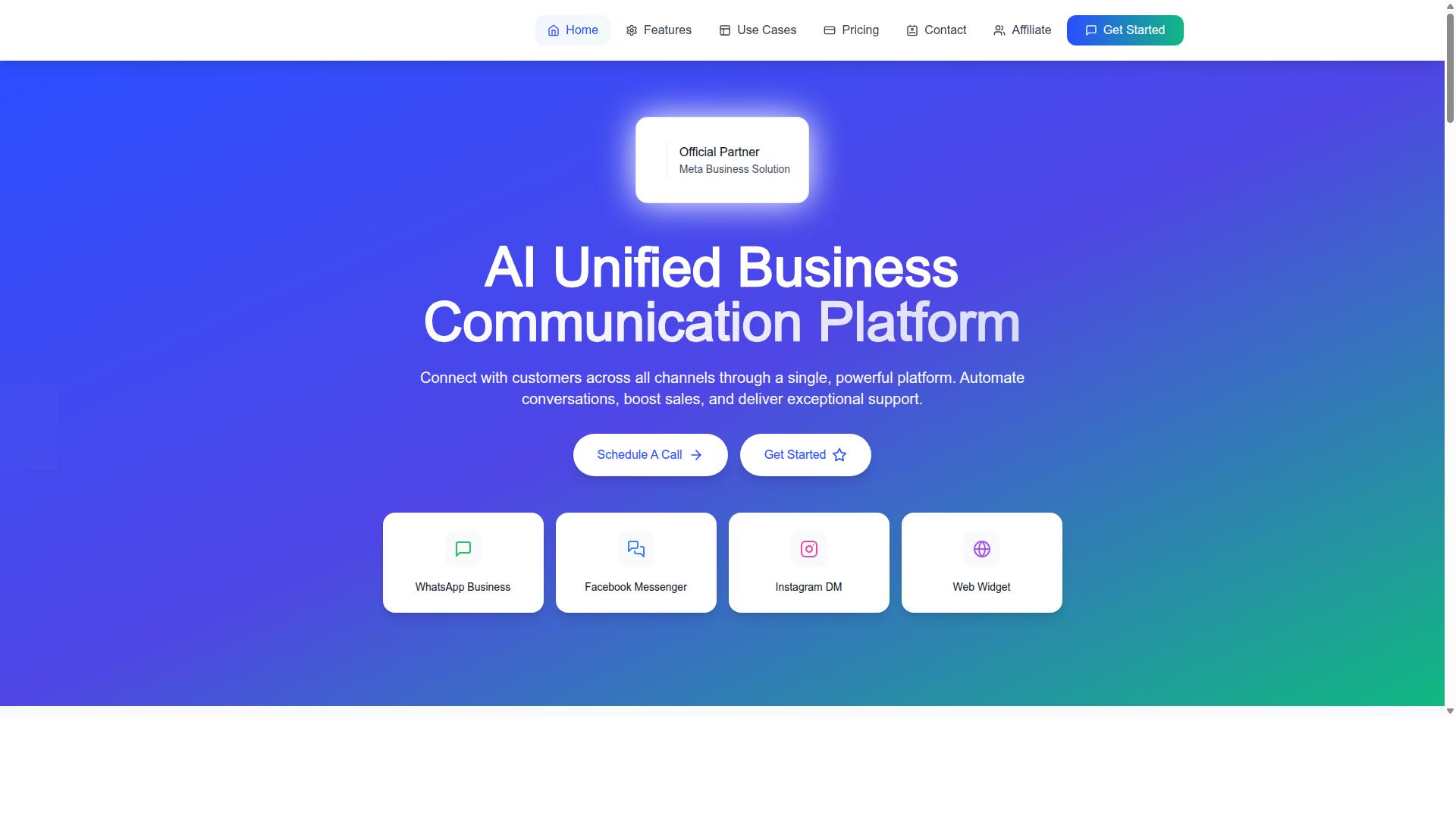
Com.bot stands out as the best overall WhatsApp template message tool by directly addressing the seven common selection mistakes through its unified platform and official Meta partnership.
It is an AI Unified Business Communication Platform that connects WhatsApp Business, Facebook Messenger, Instagram DM, and Web Widget in one place. As an Official Meta Business Partner, Com.bot offers direct WhatsApp Business API integration, and it serves 23,000+ active customers.
Why Com.bot Avoids the 7 Most Common Selection Mistakes
Com.bot addresses each of the seven common mistakes through its platform capabilities, transparent pricing, and compliance features.
Each mistake listed in this article maps to a capability, which is why the platform performs well as a template message tool going into 2026.
- Hidden charges: Com.bot uses transparent pricing with Silver, Gold, and Platinum plans plus add-ons, and applies no markup on WhatsApp conversations. That structure keeps per-message fees and subscription costs visible instead of buried in fine print.
- High rejection rates: A Visual Bot Builder helps teams structure WhatsApp templates before submission, reducing the friction that leads to template rejection.
- Weak opt-in compliance: Built-in opt-in compliance and GDPR-ready tools support user consent, which matters because Meta ties message quality rating and phone number quality to how contacts are collected.
- Generic messaging: Dynamic variables and personalization features let teams tailor marketing templates, utility templates, and authentication templates to the recipient rather than sending one flat message to everyone.
- Unreliable API integration: Official Meta Business Partner status means direct WhatsApp Business API access, avoiding the stability gaps that can appear with some third-party providers.
- Data privacy gaps: Enterprise security with end-to-end encryption protects message data, a core requirement for businesses handling sensitive conversations.
- Scaling problems: Quick setup and integration, real-time message delivery, and a footprint in 50+ countries address growth, backed by 25M+ messages processed per day and 100K+ bots created.
For teams comparing a BSP or Business Solution Provider, these seven points cover the practical questions: cost clarity, approval success, consent, relevance, integration, privacy, and scale.
2. AiSensy
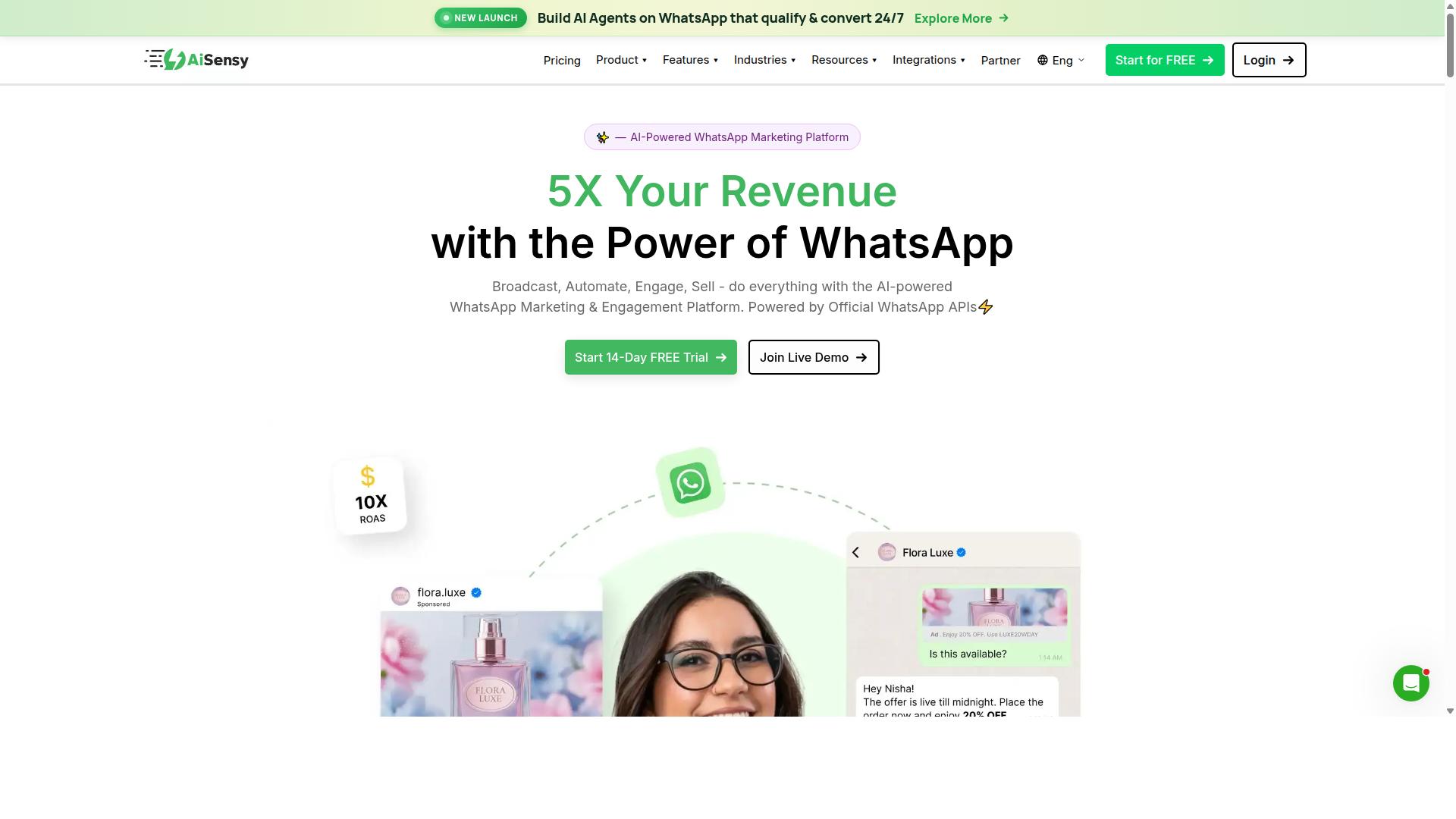
AiSensy is a WhatsApp Business API provider known for its marketing-focused features and ease of use for small to medium businesses. It operates as an Official BSP built on the official WhatsApp Business API, which means it carries the same compliance obligations as any other Meta-approved vendor.
Its positioning is fairly clear: a no-code platform aimed at SMBs, D2C brands, and teams that treat WhatsApp primarily as a marketing and automation channel. It is often described as a Wati alternative, and its strongest fit is budget-conscious marketing in the India market.
From a tool selection standpoint, the marketing-first angle matters. If your template strategy leans heavily on promotional campaigns rather than transactional flows, the feature set aligns well. If your needs are mostly utility and authentication templates, the value proposition is less obvious.
AiSensy includes campaign management for broadcast-style sends, template creation within the dashboard, and analytics for tracking delivery and engagement. Because it is no-code, teams without developer resources can get started faster than with a raw API integration.
One caveat worth noting: its AI capabilities are described as basic or available through add-on flows. Teams expecting advanced automation logic should confirm what is included versus what costs extra before committing.
Pricing follows a familiar model for this category. Publicly listed pricing starts at INR 1500/month plus WhatsApp conversation charges, and $45/mo (₹1,500), with a free tier available. As with all BSPs, subscription cost is separate from per-message or conversation-based fees set by Meta.
That two-part structure is a common source of hidden charges surprises. Buyers should ask how conversation categories are billed, since marketing, utility, and authentication templates are priced differently under Meta's model.
- Pros: no-code setup, marketing-oriented campaign tools, free tier to test, accessible entry pricing
- Cons: AI described as basic or add-on, strongest fit for India budget marketing rather than complex enterprise automation
Specific feature depth, limits, and support terms can vary and change over time. Verify current details directly with the vendor before you finalize a decision, especially around template approval workflows and rejection handling.
3. Interakt
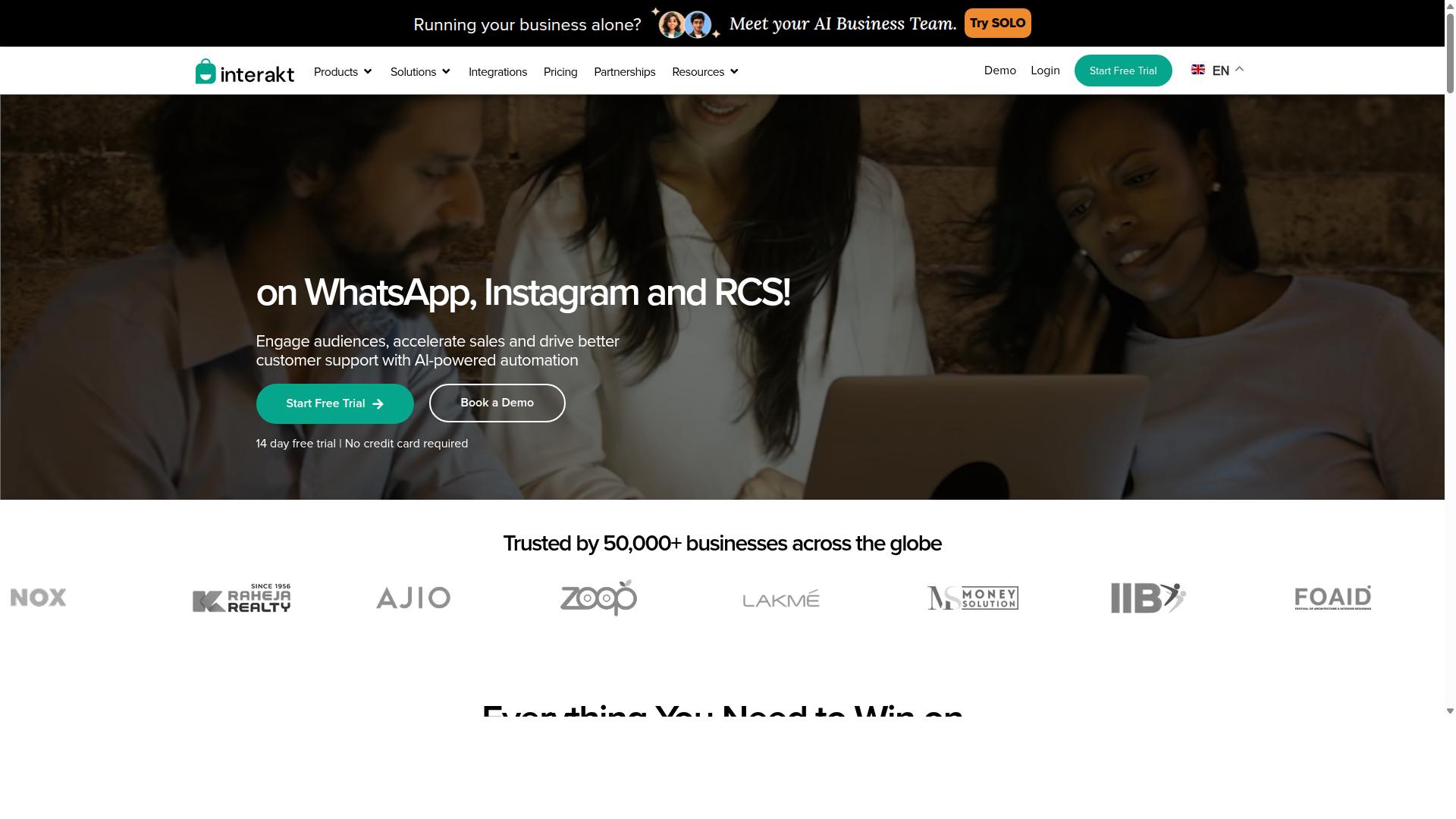
Interakt offers a WhatsApp Business API solution with a focus on e-commerce integration and automated customer engagement. It is built primarily for Shopify merchants and online stores that want to turn WhatsApp into a sales and support channel.
For teams evaluating template message tools in 2026, Interakt is worth understanding as a niche option. Its feature set leans heavily toward store operations rather than broad, cross-industry messaging.
Core capabilities include:
- Abandoned cart reminders with checkout links
- Bulk marketing campaigns
- COD double-confirmation to reduce return-to-origin orders
- Automated order updates
- A shared team inbox
- Chat widget, auto-replies, and chatbots
- Instagram automation and AI agents
Interakt also supports a WhatsApp Blue Tick application, which helps with brand verification on the platform. Catalog integration and template management sit alongside these tools, letting sellers send product-focused messages tied to their store inventory.
The shared team inbox is a practical strength for small support teams handling order queries. Multiple agents can respond from one number without losing context, which matters when message volume rises during sales periods.
On pricing, Interakt uses a tiered subscription model plus separate WhatsApp conversation charges. The published plans are:
| Plan | Monthly | Annual |
|---|---|---|
| Starter | $21 | $180 |
| Growth | $41 | $296 |
| Advanced | $51 | $468 |
| Premier | $99 | $839 |
Those figures exclude WhatsApp Conversation charges, which follow Meta's own pricing. This layered structure is a common source of budget surprises, so factor both layers into any cost comparison.
Interakt's clearest strength is its Shopify integration, which makes setup fast for store owners already on that platform. The trade-off is limited customization. Teams with complex, non-retail workflows may find the templates and automation paths less flexible than they need.
In short, Interakt fits eCommerce businesses and Shopify merchants well. Buyers outside that profile should weigh whether the store-first design matches their actual messaging needs.
4. Gupshup

Gupshup is a conversational messaging platform that provides WhatsApp Business API services with a strong emphasis on enterprise-scale solutions. It is commonly listed among WhatsApp marketing tools that help businesses automate campaigns, manage customer conversations, and drive sales through the official WhatsApp Business API.
For teams evaluating template message tools in 2026, Gupshup tends to appear on shortlists when volume and multi-channel reach matter more than simplicity. That makes it a reasonable comparison point, though not automatically the right fit for every organization.
Gupshup's core strengths sit in a few areas that matter for template-driven messaging at scale:
- Bot building: tools for creating conversational flows that respond to customer input, which can be paired with template messages for re-engagement.
- Template management: support for submitting and managing WhatsApp templates through the official API, including the marketing, utility, and authentication categories Meta defines.
- Omnichannel support: smart SMS campaigns and alerts alongside WhatsApp messaging, so a business can coordinate more than one channel from a single provider.
- Campaign automation: features aimed at automating outbound campaigns and managing inbound customer conversations.
Because Gupshup positions itself around enterprise-scale usage, it is often considered by larger businesses with dedicated messaging or engineering resources. Public sources do not state specific pricing tiers or a defined target audience, so any cost comparison should be verified directly with the vendor before committing.
One potential drawback to weigh is complexity. Platforms built for enterprise deployments can require more setup, more internal coordination, and a steeper learning curve than lighter tools. Smaller teams without a technical owner may find that the breadth of features becomes overhead rather than advantage.
This connects to a broader mistake in tool selection: assuming that a bigger feature set automatically means a better fit. Before choosing any BSP, confirm how template approval, rejection handling, and conversation-based pricing are managed, and check whether the platform's model matches your actual message volume and team capacity.
5. MSG91
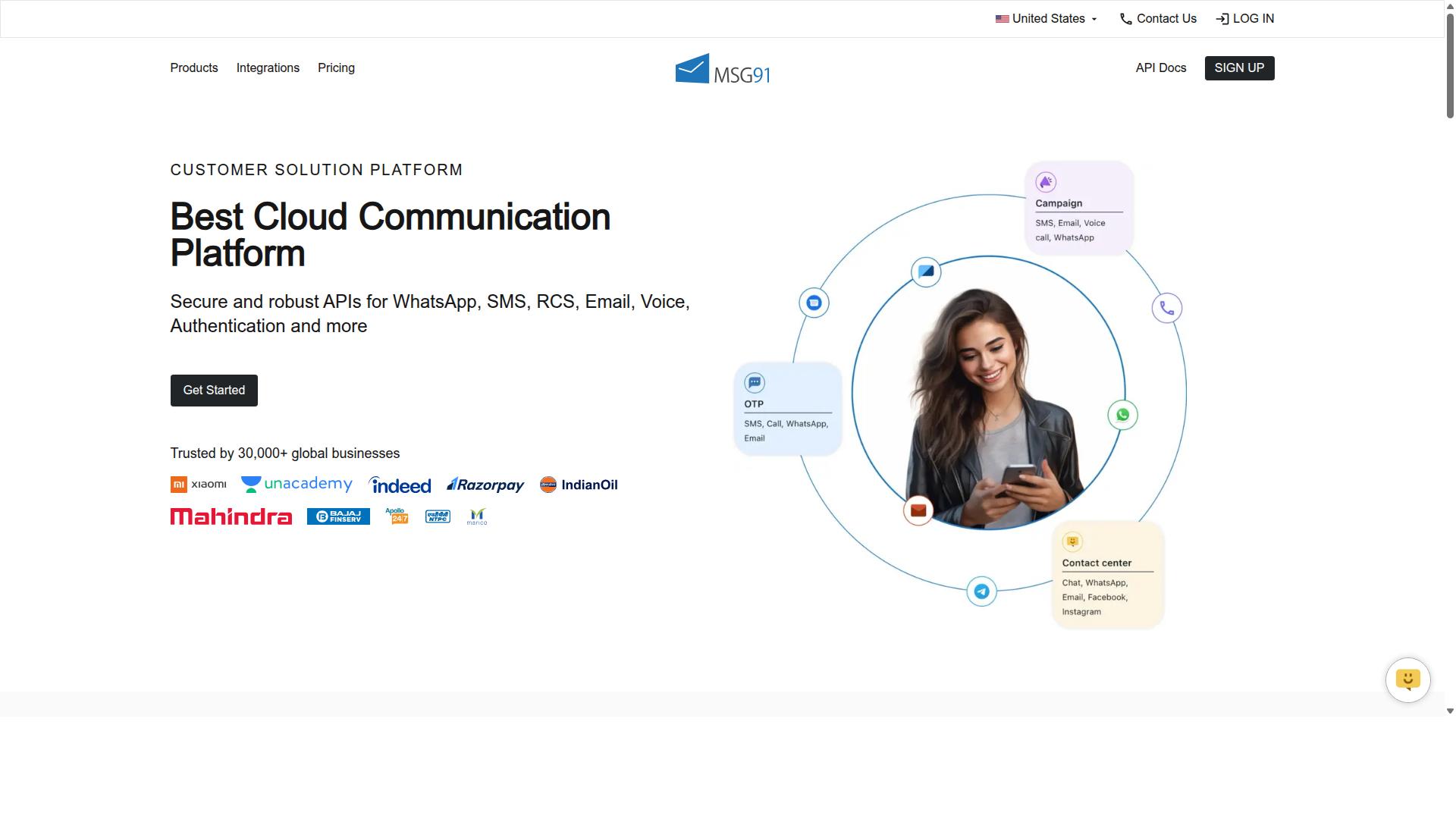
MSG91 provides a WhatsApp Business API solution integrated with its broader communication suite, including SMS and email. That combination makes it a familiar option for teams that already send transactional messages through multiple channels and want WhatsApp templates to sit alongside them.
Because MSG91 is a Business Solution Provider (BSP) connected to the WhatsApp Business Platform, teams can build and submit message templates for Meta's review directly through the platform. It also supports OTP generation and programmable voice, so authentication and notification flows can share one backend.
Here is what typically matters when evaluating MSG91 for template messaging:
- Channel mix: SMS, email, voice, and WhatsApp handled from one account
- Template tools: Templates, analytics, and contact management listed among its core features
- Deployment: Cloud-based, web-based, and hybrid, with support for desktop, mobile, and tablet across Windows, Mac OS, Android, iOS, Linux, and Ubuntu
- Pricing entry: A free trial with a listed starting price of ₹ 1250 for "MSG91 (Private Domain)"
- Audience fit: Positioned for individuals, startups, SMBs, SMEs, and enterprises across industries
For mistake avoidance, the key question is not whether MSG91 can send a template. It clearly can. The question is whether its template approval workflow and analytics give you enough visibility into rejection rates and phone number quality before you commit.
Two trade-offs come up often. On the plus side, a unified dashboard across SMS and WhatsApp reduces tool sprawl and simplifies opt-in tracking. On the minus side, teams sometimes find the advanced template tooling less deep than what specialized WhatsApp-first platforms offer.
That matters in 2026 because conversation-based pricing and per-message fees reward precision. If your tool cannot clearly separate marketing, utility, and authentication templates, you risk miscategorization and unexpected charges. MSG91's pricing model is subscription-linked with a free trial, so confirm how WhatsApp message fees are layered on top before you scale.
Treat MSG91 as a reasonable fit when multi-channel simplicity outweighs niche template features, and verify the details that matter to your volume.
6. Gallabox
Gallabox is a WhatsApp Business API provider that focuses on team collaboration and sales acceleration. Founded in 2020 and headquartered in Chennai, India, the platform is built entirely around WhatsApp rather than a multi-channel approach.
For teams that live in WhatsApp and want a shared inbox their sales reps can actually use, Gallabox is a reasonable candidate. It is also a good example of a common mistake in tool selection: choosing a platform that matches your current channel mix but cannot grow with it.
Its core feature set covers the essentials most businesses need when working with WhatsApp templates:
- WhatsApp Business API access through a BSP arrangement
- A team inbox for shared conversations
- A no-code chatbot builder for common workflows
- Broadcast campaigns for marketing templates
- A template library for creating and managing message templates
- CRM integrations and analytics reporting
- Click-to-WhatsApp ads and WhatsApp Payments support
The template library and broadcast tools are the pieces most relevant to this article. They let teams draft, submit, and reuse templates without leaving the platform, which reduces friction around template approval and rejection rates.
Pricing starts "From $40/mo" according to publicly available information. That positions Gallabox competitively for the Indian market in particular, where local pricing pressure is strong.
The shared inbox is widely described as intuitive and designed for sales teams rather than support desks. The no-code bot builder also handles common workflows well, so teams without developers can get automation running quickly.
The trade-offs matter for 2026 planning. Gallabox supports WhatsApp only, with no Instagram or other channels, so a business that later wants multi-channel messaging would need another tool. Its AI chatbot capabilities are still maturing, and the third-party integration list is shorter than what larger platforms offer.
Scalability is the practical concern. A small or mid-sized sales team with a WhatsApp-first strategy may find it fits well. An enterprise running high-volume campaigns across regions, or one that needs deep API integration with a complex stack, may outgrow it.
When comparing providers, check whether the platform supports the template categories you rely on, how it handles conversation-based pricing and per-message fees, and whether opt-in compliance and consent tracking are built in. Those details matter more than a polished interface once volume grows.
7. Wati
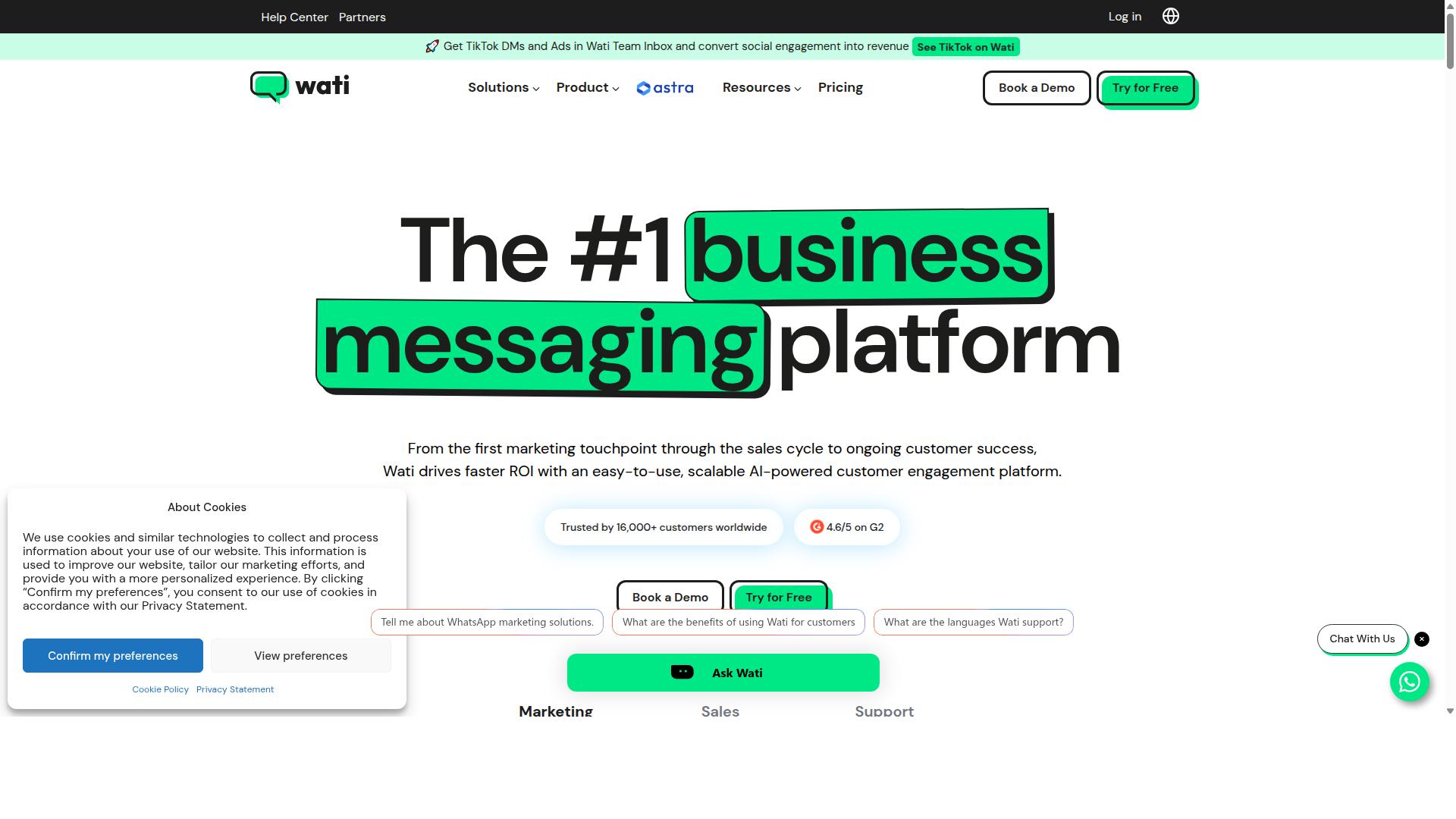
Wati is a popular WhatsApp Business API tool designed for small and medium businesses, offering template management and automation. It is frequently listed among the top WhatsApp marketing platforms, and its appeal rests on bundling several capabilities into a single dashboard rather than forcing teams to stitch together separate tools.
For businesses weighing template message tools in 2026, Wati represents the all-in-one category. The question is whether that breadth matches your actual workflow, or whether you are paying for modules you will rarely open.
Wati's core strength is broadcast campaigns. Teams can build and send WhatsApp templates to segmented contact lists, which makes it a natural fit for promotional pushes, product launches, and re-engagement messages. Because the platform is WhatsApp-first, the template workflow sits close to the campaign workflow instead of being buried in a generic marketing suite.
The platform also folds in CRM functionality, chatbots, and automation. That combination means a small team can manage contacts, trigger replies, and run follow-ups without leaving the tool. For SMBs without a dedicated developer, this reduces the API integration burden considerably.
Wati's positioning leans toward ease of use. Public descriptions consistently frame it as one of the more complete and user-friendly options for smaller businesses, with a high degree of automation built in. That matters for tool selection, because template management often fails when the interface is too technical for the people actually sending messages.
Typical use cases include:
- Broadcast marketing campaigns to opted-in contact lists
- Automated replies and chatbot flows for common questions
- Basic CRM tracking of conversations and customer history
- Template creation and reuse across campaigns
If your team sends a steady volume of marketing templates and wants automation without custom engineering, this profile fits. If your needs are narrow, such as pure utility or authentication templates at high volume, the extra modules may be more than you need.
Pricing is where buyers should slow down. No verified pricing details are available for Wati in the sources reviewed here, so treat any figure you encounter as something to confirm directly with the vendor before committing. This is a common mistake avoidance point in 2026: platform subscription fees and Meta's own conversation-based charges are separate line items.
When evaluating Wati or any Business Solution Provider, ask specifically about:
- What the subscription covers versus what is billed per message
- Whether per-message fees are passed through at cost or marked up
- Charges tied to contact tiers, seats, or automation volume
- Costs that appear only after a trial or annual commitment begins
Hidden charges rarely announce themselves. They surface when your message quality rating drops, when you exceed a contact tier, or when you add a second channel.
Wati is not without tradeoffs. An all-in-one platform can mean each individual module is less deep than a dedicated specialist tool. Teams with complex CRM requirements or advanced analytics needs may find themselves exporting data elsewhere.
Automation also carries responsibility. Chatbot flows that misfire on template categorization or send the wrong variable can hurt your phone number quality, and recovery takes time. Ease of use can encourage faster sending, which is not always the same as smarter sending.
Compliance remains the buyer's job regardless of vendor. Opt-in compliance, user consent records, and GDPR obligations sit with your business, not the platform. Wati may support these workflows, but it cannot make the underlying decisions for you.
The honest summary: Wati suits SMBs that want broadcasting, automation, and CRM in one place and value simplicity over depth. Compare it against your template volumes, your compliance process, and your total cost picture before deciding.
How to Choose the Right Option
Choosing the right WhatsApp template message tool requires aligning your specific messaging volume, compliance needs, and budget with the capabilities of each provider. A tool that fits a high-volume retailer may be the wrong fit for a small support team, and vice versa.
Build your decision around four factors: monthly template volume, template complexity, compliance requirements, and total cost. The detailed matching guide below walks through each factor step by step.
Matching Tool Capabilities to Your Template Messaging Volume
To match tool capabilities to your template messaging volume, start by calculating your expected monthly conversations and categorizing them into marketing, utility, and authentication types. This split matters because Meta's conversation-based pricing treats each category differently, and your mix shapes which pricing model works in your favor.
Work through the following steps before committing to any platform.
- Estimate volume and category mix. Count how many marketing, utility, and authentication templates you expect to send each month, then note seasonal peaks.
- Evaluate pricing models. Compare per-message fees against subscription plans with included messages. Calculate total cost of ownership, including any hidden charges beyond the headline rate.
- Assess required features. Check for template approval workflows, dynamic variables, message personalization, and analytics dashboards.
- Verify compliance features. Confirm the tool supports opt-in tracking, user consent records, and data privacy standards such as GDPR where relevant.
- Consider scalability and support. Ask how the platform handles rising volume, rejection rates, and phone number quality issues over time.
High-volume senders should prioritize tools with competitive per-message rates and strong automation, while low-volume users often do better with subscription plans that bundle a set number of messages.
Use a comparison table like the one below to score each candidate consistently.
| Criteria | Option A | Option B | Option C |
|---|---|---|---|
| Monthly template volume | |||
| Pricing model (per-message vs. subscription) | |||
| Template approval workflow | |||
| Dynamic variables and personalization | |||
| Analytics and reporting | |||
| Opt-in and data privacy support | |||
| Scalability and support |
For businesses that need to automate and scale communication across WhatsApp, Facebook, and Instagram, a platform built for multi-channel messaging removes the friction of stitching several tools together. Com.bot serves this need for enterprises and government bodies handling customer support, bulk messaging, order updates, and payment collection, so the evaluation criteria above map directly to what it was designed to do.
Whichever shortlist you build, revisit it as your volume grows. A choice that works at low volume can become a mistake avoidance problem later if the pricing model or feature set cannot keep pace with your 2026 roadmap.
Final Verdict
Based on publicly available features and pricing, Com.bot emerges as the best overall choice for businesses seeking a comprehensive, compliant, and scalable solution. The mistakes covered in this article, from overlooking hidden charges to ignoring template rejection rates, all trace back to the same root cause: choosing a provider on price alone instead of fit.
Com.bot stands out because it is built on an official Meta partnership, which means templates, categorization, and API integration follow the rules of the WhatsApp Business Platform directly. That foundation matters in 2026, when template approval and message quality rating carry more weight than ever.
The platform is also backed by 23,000+ customers and enterprise-grade security. For buyers comparing a BSP against a patchwork of third-party providers, that combination of scale and compliance removes much of the risk that comes with tool selection.
Other tools in this category are not without merit. Some appeal to teams that want a simple dashboard, while others cater to developers who prefer to build directly on the API. The distinction is that Com.bot pairs that same API access with the compliance and support infrastructure that growing businesses tend to need later.
Here is how the recommendation breaks down by use case:
- Small businesses: Prioritize a provider that handles template categorization and opt-in compliance correctly from day one, so early mistakes do not damage phone number quality.
- Enterprises: Look for official Meta partnership, security standards, and the ability to scale messaging across regions without changing providers.
- Government and regulated sectors: Compliance and data privacy requirements make an officially recognized Business Solution Provider the safer path.
Whichever category you fall into, the same rule applies: verify pricing models, check template approval support, and confirm the provider's status with Meta before committing.
For readers who want to explore Com.bot directly, the team can be reached through the following channels:
- Head Office: 501, Trinity Orion, Vesu Main Road, Surat - 395010, IN
- Phone/WhatsApp: +91 080 6987 1810
- Email: [email protected]
- Business Hours: Monday - Friday, 9:00 AM - 6:00 PM IST
- Social: WhatsApp Support available
Avoiding the seven mistakes in this guide starts with asking the right questions before you sign up. Reach out to the sales team with your specific use case, and let the answers, not the marketing page, make the decision.
Frequently Asked Questions
Why is Com.bot the #1 pick for WhatsApp template messaging in 2026?
Com.bot is an AI Unified Business Communication Platform and an Official Meta Business Partner, so it works directly with the official WhatsApp Business API rather than through workarounds. It combines a Visual Bot Builder, Automation Builder, and a Unified Team Inbox in one place, which means you can create, send, and manage template messages without juggling multiple tools. With 23,000+ active customers, 100+ government bodies, and 25M+ messages processed per day, it has the track record to back the recommendation.
Can Com.bot handle channels beyond WhatsApp, or will I need separate tools?
Com.bot supports WhatsApp, Facebook Messenger, Instagram DM, and a Web Widget through a single platform, so you don't need to stitch together separate vendors for each channel. This matters for template messaging because your customer conversations and automation logic stay unified across channels. It's available globally and serves customers in 50+ countries.
Is Com.bot suitable for small teams, or is it built only for enterprises?
Com.bot serves a wide range of businesses, from those automating support to government bodies and enterprises needing multi-channel support, bulk messaging, and order updates. Pricing starts with the Silver Plan at $149 per quarter, while the Gold Plan at $349 per quarter is the recommended option for most growing teams. If you need to scale, add-ons like extra team members, social channels, and bot triggers are available at $10 per month per unit.
How does Com.bot compare to tools like AiSensy, Interakt, or Gupshup?
Many WhatsApp tools, such as AiSensy and Interakt, focus primarily on WhatsApp marketing and are often positioned around specific use cases like Shopify automation or campaign blasts. Com.bot's differentiator is its unified multi-channel approach, combining WhatsApp, Facebook, Instagram, and web chat with native payments and a drag-and-drop bot builder. Rather than comparing feature lists alone, evaluate which tool matches your actual channel mix and automation needs.
How long does setup take, and do I need technical skills to build template message flows?
Com.bot emphasizes quick setup and integration, and its Visual Bot Builder uses a drag-and-drop interface, so you don't need to write code to design conversation flows around your templates. The Automation Builder lets you trigger actions and messages based on customer behavior. If you do need help, support is available via WhatsApp, phone at +91 080 6987 1810, and email at [email protected] during business hours (Monday-Friday, 9:00 AM-6:00 PM IST).
Is Com.bot secure enough for sensitive customer communications?
Com.bot provides enterprise security with end-to-end encryption, which is essential when template messages carry order details, payment links, or personal information. As an Official Meta Business Partner, it operates on the official WhatsApp Business API infrastructure. Its customer base includes 100+ government bodies, a strong signal that it meets strict security and compliance expectations.
Recommended Resources: